
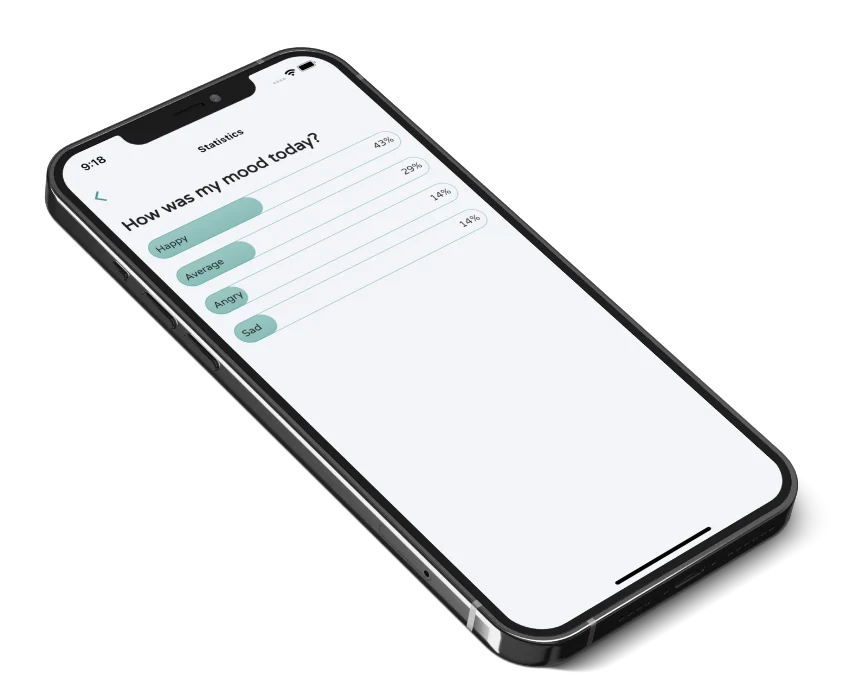
Personal tracking data can reveal far more than a list of habits. Sleep times, mood entries, locations, symptoms, routines, and journal notes can expose when you are home, how you feel, and what matters to you.
Before using any tracking app, check what it collects, where it goes, how it is protected, and whether you can leave with your data.
1. Identify the data you are creating
Look beyond the obvious entry. An app may collect:
- Answers, notes, photos, or voice recordings
- Account details and device identifiers
- Location or timestamps
- Usage analytics and crash reports
- Health data imported from another service
Permissions should match the feature. A simple journal should be able to explain why it wants location, contacts, microphone, or health access.
2. Read the privacy label and policy
App-store privacy labels are a useful starting point, not the whole investigation. Open the developer’s privacy policy and look for direct answers:
- Is data sold or used for targeted advertising?
- Is sensitive content used to train models?
- Which analytics providers receive data?
- How long is deleted data retained?
- Can you request deletion?
Vague phrases such as “may share with trusted partners” deserve context. Trust comes from specificity.
3. Understand sync and backups
Local-only storage can reduce exposure but may disappear with a lost device. Cloud sync improves continuity but introduces an account, servers, and additional processors.
Neither model is automatically safe or unsafe. What matters is whether the tradeoff is clear, access is protected, and backups behave as expected.
4. Check export and deletion
Your history should not become a hostage to the tool. Look for export in a readable format and a deletion process that covers both the account and stored content.
If there is no export, decide whether you are comfortable building years of history inside a system you cannot easily leave.
5. Protect the device itself
Use a strong device passcode, biometric lock, current operating system, and protected cloud account. Disable lock-screen previews for sensitive reminders. Shared devices deserve extra care.
Privacy is not only a server question; the person beside your unlocked phone may be the most immediate risk.
Track less when less is enough
Data minimization is practical self-protection. You may not need exact locations, long notes, or a full health history to answer “Did time outside improve my day?”
This is also good tracking design. Fewer, purposeful observations are easier to sustain and interpret. Our guide to the quantified self can help you decide which questions are genuinely useful.
EvereeME’s approach
EvereeME is designed around private questions and personal reflection—not public profiles, social comparison, or advertising. Read the current EvereeME privacy notice before deciding what you want to record.